
MRP planning actions, date range filters, and job due dates in the MES
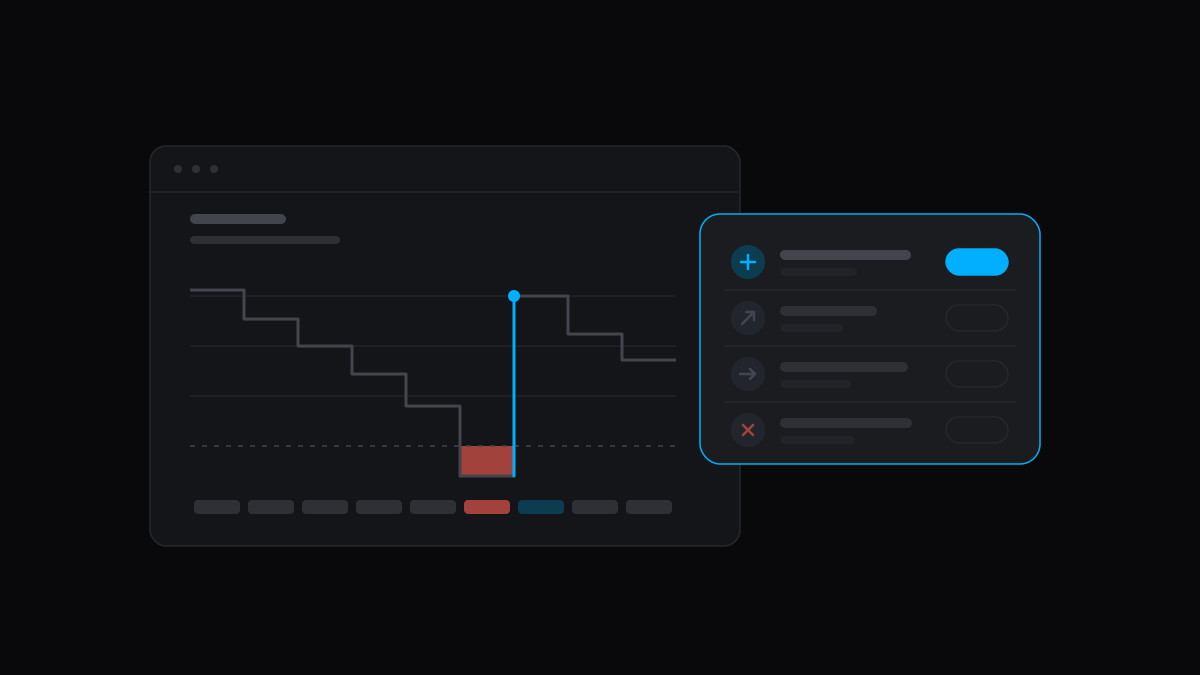
MRP used to make one suggestion, Order, worked out again on every page load and then thrown away. A planner could not dismiss it, hand it to someone, or see that an order already placed should move. This release turns that suggestion into a list of work.
Planning actions
Planning now writes seven kinds of action after every MRP run: Order, Make, Expedite, Defer, Cancel, Increase and Decrease. The change actions are worked out against your open purchase order lines and jobs.
Each row in the purchasing and production planning grids lists its actions with one button each:
- Apply changes supply that is not yet committed.
- Review on PO or Review on Job opens supply that is.
- Dismiss hides an action, and it stays hidden on later runs until the suggestion changes.
- Assign to Me sets the owner, and MRP keeps a hand-set owner on later runs.
Every action has a responsible employee, taken from the item, then its item group, then the location, then the company default. A reschedule tolerance, 7 days by default, keeps small date differences out of the list. Both are set under Settings → Planning.
Forecasts no longer double count
A demand forecast of 10 and a sales order for 10 used to plan 20. Open sales order lines and job materials now consume the forecast for the same part and location: the same week first, then back up to 4 weeks, then forward 1. Only what is left drives demand. Change the reach on the Forecast Consumption card under Settings → Planning.
Planning horizon and run time
A long planning window buried next week's work. The planning horizon is a date per row, and a row shows only the actions and suggested orders due by it. MRP still plans the whole window. Set a company default under Settings → Planning and override it on an item's planning tab.
MRP runs every 3 hours by default. You can now run it once a day at an hour you pick, on your company's time zone.
The weekly projection in both grids is one Stock Availability strip in place of 48 columns, with new Latest Order Date, 1st Negative On Hand and Item Group columns.
Date range filters
Date columns across Carbon filter to a range, with a From and a To picker. Leave either side empty for "on or after" or "on or before". Both ends are inclusive, and the filter lives in the URL, so it works with saved views and links.
It is on jobs, sales orders, quotes, purchase orders, invoices, payments, journal entries, receipts, shipments, picking lists, issues, gauges, change notices and holidays, among others. The batch builder's Custom due range can be open-ended too.
Job due dates in the MES
The MES showed a sub-assembly operation's scheduler target as the job's Due Date, and that target was weeks too early. The scheduler counted the sub-assembly's lead time on top of its own operations. That double count is gone. The MES now shows the job's due date, with the operation's own target beside it as "Operation needed by".
Schedule cards that are past due, or in a batch that finishes after a job's due date, turn red. Cards due today or tomorrow are orange.
Release jobs in bulk
Select jobs in the Jobs list and choose Release Jobs from the actions menu. Draft and Planned jobs in the selection are released, and any job Carbon could not release is named.
Revisions keep their setup
A new item revision started with default planning and no suppliers. It now inherits the source revision's batch size, scrap percent, lead time, reorder policy per location, item group, preferred supplier, and supplier parts with their price breaks. Costs, sale price and stock are not copied.
Self-hosting
Sign-in was broken on self-hosted builds behind a proxy that ends TLS. Carbon now treats the host of ERP_URL and MES_URL as an allowed origin, so set both.
- Assets are compressed once at build and served from memory. The ERP's app bundle went from 19,236 to 61,323 requests a second in our test.
- Carbon checks its whole environment at startup and reports every problem together, grouped, without printing a secret. No deployment has to change what it sets.
- Migrations and seeding run on a smaller
bootstrapimage, which replaces theopsimage.
Improvements
- The storage units card on an item's inventory page groups stock by unit, shows each lot's expiry, and has a search above eight rows.
- A schedule run writes a whole location in one transaction. A 13-job location went from 253 statements to 61.
- Dragging a card on the schedule board no longer drops frames on large boards.
- Live updates reconnect only after a tab has been hidden for five minutes.
- A link starts loading on press, and the click reuses that load.
- "Finish" in the MES is now "Mark as Done".
Fixes
- Moving from one record to another of the same kind no longer leaves the first record's values in forms and notes.
- A quote's summary total drops deleted lines.
- A new quote line appears in the explorer without a reload.
- Changing an invoice's customer to one with no currency now saves.
- A first sign-in with no company reaches onboarding.
- Deleting an item deletes its supplier price breaks with it.
- Nightly maintenance dispatch no longer skips companies.
- The error screen shows the real status and message.
Misc
crbn upstarts eight services, about 0.9 GB, with Studio, the edge runtime and imgproxy behind--full.crbnstops an idle stack's containers after 30 minutes and its dev servers after 2 hours, and wakes them on the next request.crbn pruneremoves the stacks of worktrees deleted outsidecrbn remove.- Image builds no longer export a layer cache, and the deploy uses the images CI already published.
- The MCP manifest generator sets its own heap limit, and a CI install no longer generates the manifest.
- The README has its functionality and architecture diagrams back.
- A browser test playbook covers revision inheritance.