
Outbound scheduling: what finishes, when, and where it ships
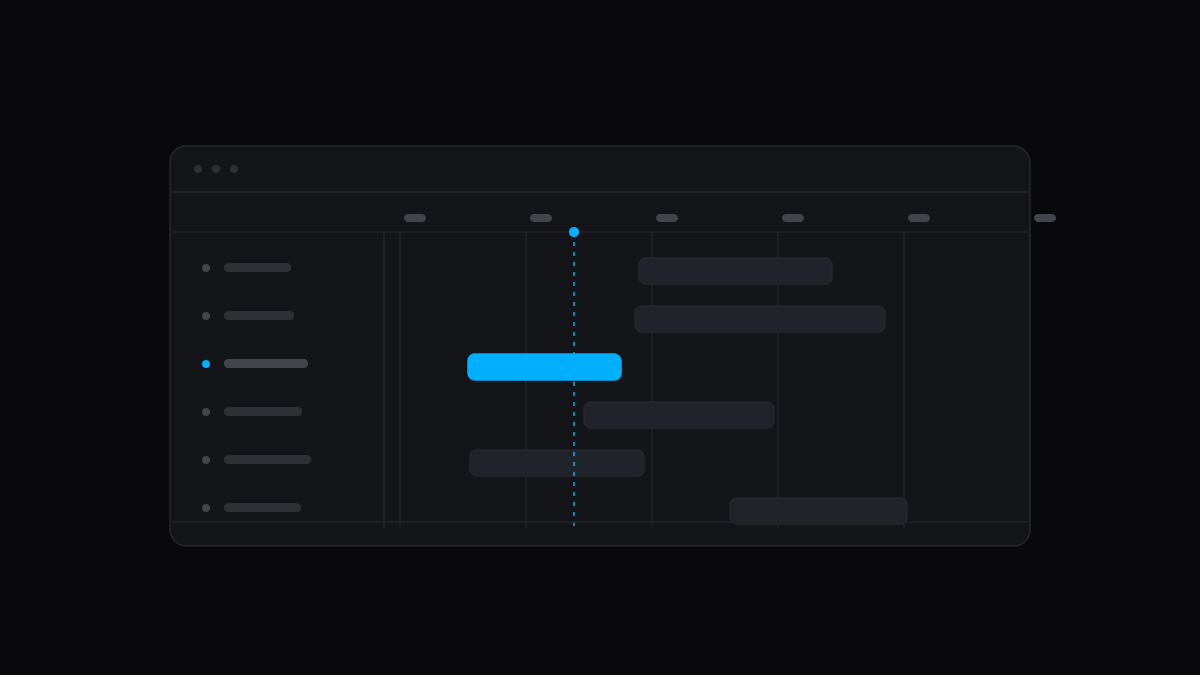
Whoever books the trucks needs to know what will be finished and where it is going, across every customer. Outbound puts that on one page.
Outbound
Production → Scheduling → Outbound lists every open job that fills a sales order, grouped by the day it finishes at the plant. That day is the finite scheduler's projected completion, or the job's due date until it has been scheduled.
Each row shows the ship-to city and state, ship via, customer, sales order and customer PO, part, promised date and operation progress. Drop shipments use the shipment's own address, and a promised date turns red when the job will finish after it.
Filter by location and by the next 7, 14 or 30 days, or show every open job. Search covers the job, order, PO, customer, part and destination, and the CSV export carries each job's completion date.
Improvements
- Job progress on the customer portal reads as one continuous tracker, first operation to last.
- In the Forecast side panel, the job number now links to the job, replacing the Open job button.